
Dashboard Setup
Set up the Scrawn Dashboard to manage API keys and monitor usage
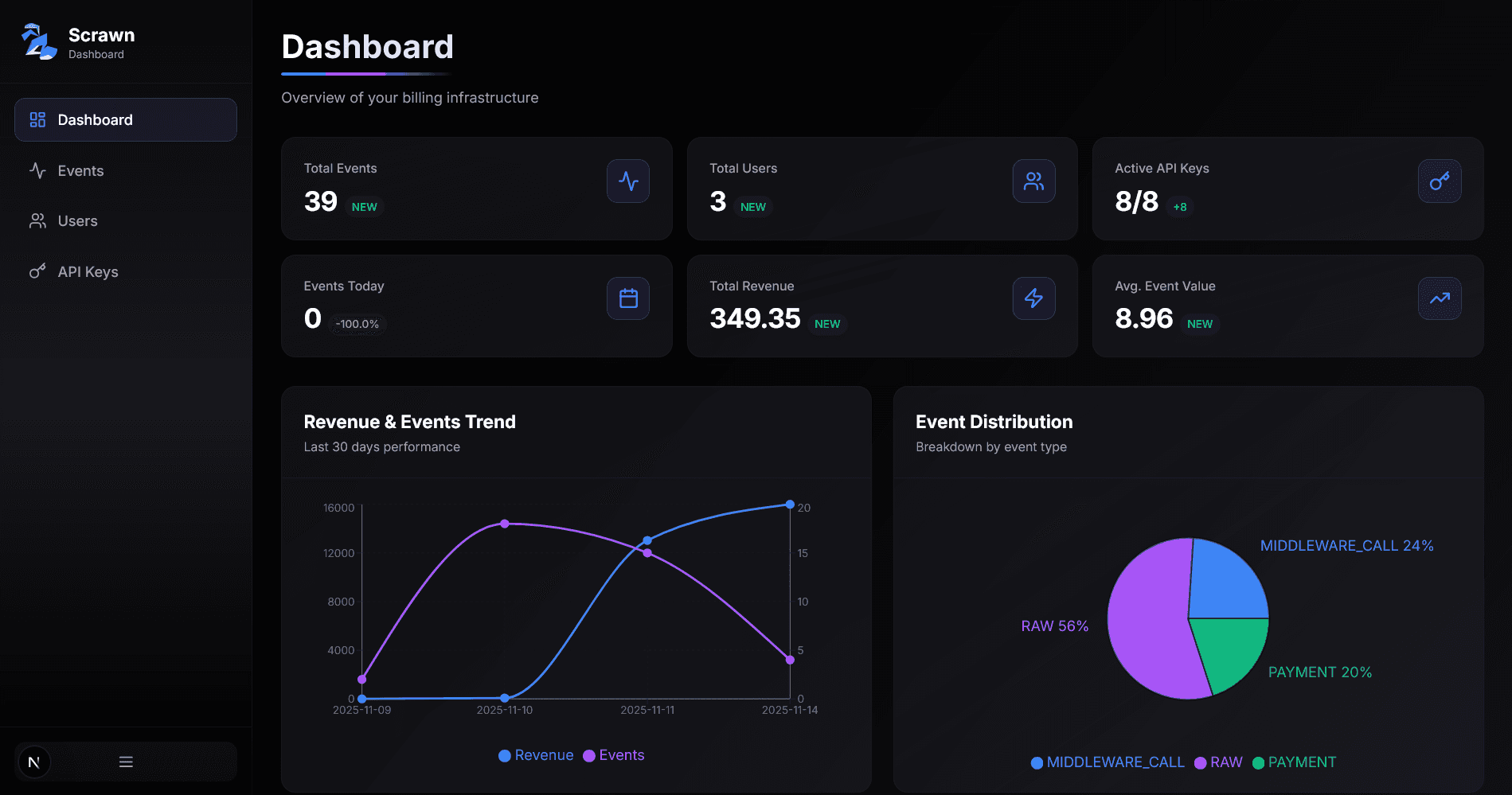
The Scrawn Dashboard is a Next.js application that gives you a visual interface to manage API keys, track events, and monitor your billing infrastructure.
Prerequisites
Before setting up the dashboard, make sure you have:
- Scrawn backend deployed and running
- Database URL (same PostgreSQL database as your backend)
- Initial API key generated from Quick Start
1. Clone the Dashboard Repository
git clone https://github.com/ScrawnDotDev/Dashboard.git
cd Dashboard
gh repo clone ScrawnDotDev/Dashboard
cd Dashboard2. Install Dependencies
bun installnpm installyarn install3. Configure Environment Variables
Copy the example environment file:
cp .env.local.example .env.localcopy .env.local.example .env.localCopy-Item .env.local.example .env.localEdit .env.local with your configuration:
DATABASE_URL=postgresql://user:password@localhost:5432/scrawn
SCRAWN_BASE_URL=http://localhost:8069
SCRAWN_KEY=scrn_YOUR_SCRAWN_KEY_HERE
Configuration Details
DATABASE_URL: Use a read-only database user for security (same database as your backend)
SCRAWN_BASE_URL: Your deployed Scrawn backend URL or http://localhost:8069 for local testing
SCRAWN_KEY: The initial API key you generated in the Quick Start guide
4. Run the Dashboard
Start the development server:
bun run devnpm run devyarn devThe dashboard will be available at http://localhost:3000
Build and start the production server:
bun run build
bun run start
npm run build
npm run startyarn build
yarn startCreating a New API Key
Once your dashboard is running, you can easily generate new API keys:
1. Navigate to API Keys Page
Open your dashboard and click on API Keys in the sidebar, or navigate to /dashboard/api-keys.
2. Click Create API Key
Click the Create API Key button in the top-right corner.
3. Fill in Details
A dialog will appear asking for:
- API Key Name: Give it a descriptive name (e.g., "Production API", "Development Key")
- Expires In (days): How many days until the key expires (default: 365)
4. Copy Your Key
Important
After clicking Create API Key, you'll see the generated key only once. Make sure to copy it immediately!
Click the copy button next to the key to copy it to your clipboard.
5. Use Your New Key
You can now use this API key in your application:
import { Scrawn } from '@scrawn/core';

const scrawn = new Scrawn({
  apiKey: 'scrn_YOUR_NEW_KEY_HERE',
  baseURL: process.env.SCRAWN_BASE_URL,
});
Dashboard Features
The dashboard provides several views to monitor your billing infrastructure:
- Overview: Real-time revenue, API usage, and trends
- API Keys: Create, view, and manage all API keys
- Users: Track user balances and activity
- Events: Monitor SDK call events and costs
Next Steps
Now that your dashboard is set up, start using Scrawn in your application: